SquareKicker
A direct replacement candidate for visual customization inside Squarespace 7.1.

Compare native Squarespace, SquareKicker, Ghost Plugins and Will Myers by the job you need done and the cost of maintaining or replacing it.
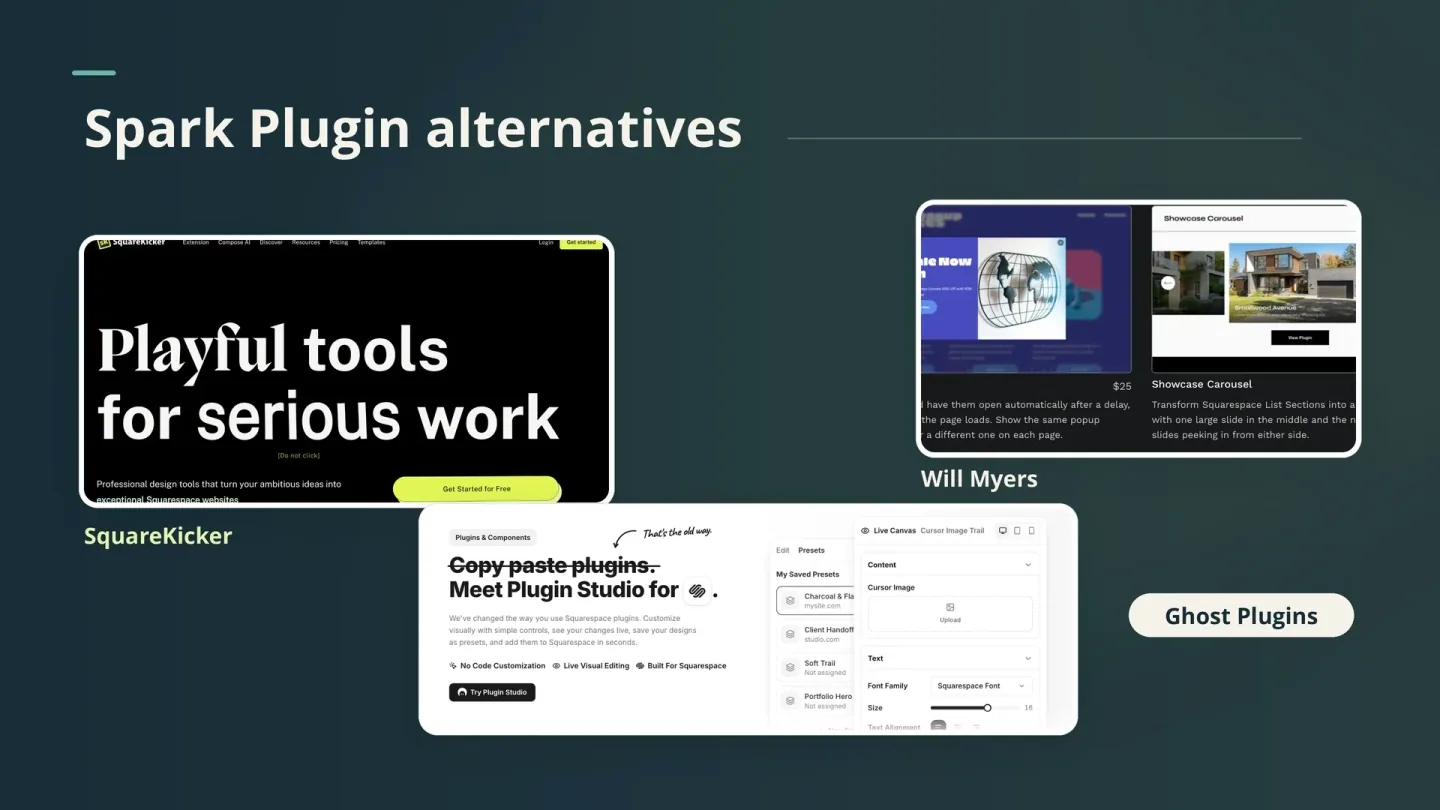
I’d start with the reason I’m leaving Spark. For a single missing feature, I’d try native settings or a focused plugin first. For a client handoff, I’d compare who owns the subscription and what stays live when it ends. I’d switch toolkits only when the replacement solves one of those problems.
If the problem is spacing, text hierarchy or a basic page layout, try Fluid Engine and the site’s built-in styles on a duplicate page. There is no extra extension subscription to maintain. The downside is a narrower set of specialized behaviors. You may still need custom code or an extension for a particular menu, popup or pricing layout.
This is especially relevant if you are paying for Spark mainly because the original site was poorly organized. A cleaner catalog and simpler navigation may remove the need for the extension entirely. If the native version passes the same customer task, keep it.
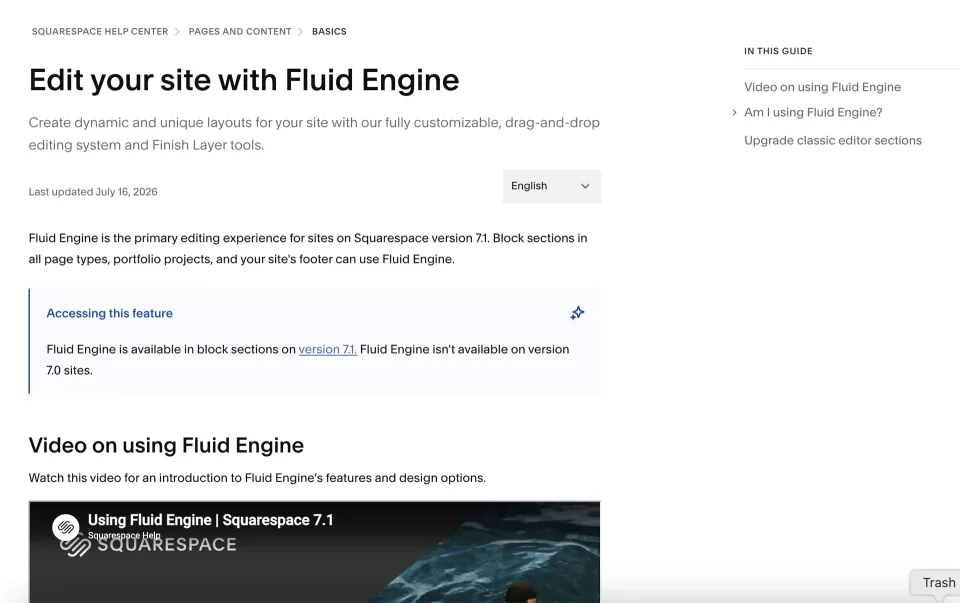
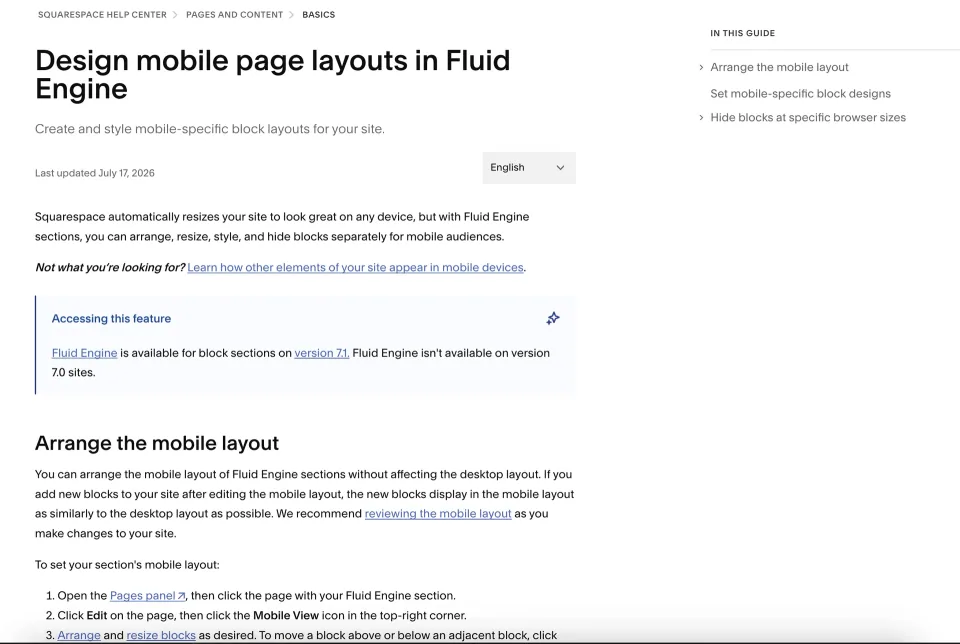
Native passes? Yes: Keep native, No extra extension. No: Test plugin, Name missing feature
SquareKicker offers an editor extension for Squarespace and the current vendor pricing page also describes Compose. Its site-based plans distinguish active site allowances from retained designs. The vendor says the published design changes remain after cancellation; ongoing editing, new features and support are a separate question. That can make the licensing model attractive to designers who hand sites back to clients.
I would test the precise editing workflow, not declare it faster based on a vendor comparison. Both vendors offer overlapping design functionality. A migration can require rebuilding every affected element, and compatibility with existing third-party styles is not guaranteed. Verify your active site allowance and current quote directly.
Spark P / B: Changes hidden, Renew to restore, Agency differs; SquareKicker: Designs retained, Editing access ends, Check active sites
Ghost is a useful candidate when the missing piece is a particular feature or a collection of reusable plugins. Its recent product announcement describes a newer Ghost experience with visual settings in Plugin Studio. The current Ghost+ membership page states that installed plugins can remain with their last published settings after cancellation, while new installs, Studio editing, automatic updates and member services end.
That retention model is attractive but does not promise future compatibility or a transferable unlimited license. Compare the individual product requirements with the membership rules. The membership page was available through the indexed description, not a completed account-level cancellation test. I would obtain confirmation for a particular client project before relying on it.
RETAINED: Last published installed settings; ENDS: New installs, Studio edits, updates; VERIFY: Individual license and maintenance
When the only reason for maintaining Spark is a pricing table or tooltip, a single-purpose plugin is worth evaluating. The Will Myers pricing-table product page describes copy-and-paste installation, a single-site license and a separate multi-use license. It also specifies best-effort support for a limited period and does not promise compatibility with other plugins.
A one-off price can look inexpensive beside a recurring suite, but the real comparison includes installation, mobile adjustments and future maintenance. Check the license for each website and document the code location. If you need a dozen unrelated features, buying and supporting many individual plugins may be less attractive than a coherent toolkit.
Specify: One missing element; License: Site allowance; Install: Document code; Verify: Mobile + update
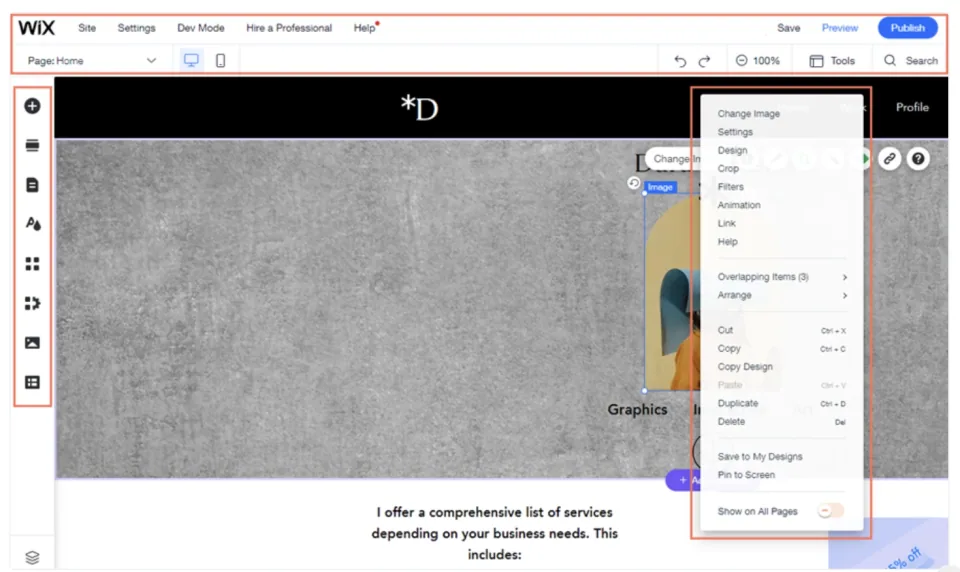
Wix is an existing site-builder alternative in the SellerPlanKit catalog, but moving to Wix is not a plugin swap. If the actual problem is payment eligibility, catalog management or another selling workflow, evaluate an entire storefront replacement. A hosted builder’s editor, checkout and installed integrations do not move with a CSV export. You would need to plan content migration, domains, redirects, products, order records and checkout acceptance.
If the current Squarespace checkout and business tools already work, keep this option off the immediate shortlist. Rebuilding a functioning store to avoid a design subscription is rarely the simplest experiment.
A direct replacement candidate for visual customization inside Squarespace 7.1.
A library of individual Squarespace plugins and premium offerings.
Individual plugins for specific jobs such as tooltips or pricing tables.

Wix is a hosted website builder that combines visual editing, a store, bookings and business tools. It suits sellers whose branded website and day-to-day service or retail operations belong together, provided their required payment and fulfillment integrations are available.
Best for: Small brands, service businesses and creators who want a branded site with a manageable catalog or booking workflow.
Choose by the reason for switching, rather than an arbitrary overall ranking.
6 approaches
SS
Built-in option
01
Best for A store that needs a consistent brand, not another extension.
Start with the controls already included in your website plan. Standardize typography, spacing and colors before introducing a separate design layer.
Cost modelNo separate extension subscription
Switching effortLow · stay on platform
Trade-off: Less control over bespoke effects; verify that the native editor can reproduce the specific change.
SK
Design extension
02
Best for Designers who want another visual editing workflow.
A direct replacement candidate for visual customization inside Squarespace 7.1. Compare a real page, mobile layout and reusable sections with your current setup.
Cost modelSubscription · check vendor plans
Switching effortMedium · replace extension
Trade-off: Expect to rebuild or translate Spark-specific styles. Review client handoff and retention terms.
GP
Plugin library
03
Best for Sellers looking to add a few specific enhancements.
A library of individual Squarespace plugins and premium offerings. Useful when a missing interaction or visual effect can be solved with a targeted addition.
Cost modelFree and paid options
Switching effortLow–medium · per plugin
Trade-off: Check the individual plugin’s installation, supported version and maintenance requirements; no single blanket compatibility guarantee.
WM
Plugin shop
04
Best for A merchant with a clearly defined feature requirement.
Individual plugins are available for specific jobs such as tooltips or pricing tables. Compare the exact feature with the design problem you need to solve.
Cost modelPer-product pricing · varies
Switching effortLow–medium · per feature
Trade-off: Several purchases can become a fragmented stack. Check license terms and support for each plugin.
CSS
Code-based approach
05
Best for A seller or agency comfortable maintaining targeted code.
For a small, stable customization, the built-in CSS editor can avoid adding another visual design layer. Document the selectors and test desktop and mobile after changes.
Cost modelDevelopment and maintenance time
Switching effortVariable · technical work
Trade-off: Code can break as the site evolves; do not assume a CSS snippet replaces scripts or complex functionality.
WI
Website builder
06
Best for A merchant whose actual issue is platform workflow or commerce capabilities.
Consider a platform change only after validating product catalog, checkout, integrations and editing needs. A different builder is not a drop-in Spark replacement.
Cost modelSeparate platform subscription
Switching effortHigh · rebuild storefront
Trade-off: Rebuild design, validate data migration, redirects and integrations. Switching solely for visual effects rarely justifies this scope.
View Wix profile →
Selection is based on documented product roles and seller needs, not hands-on benchmarking. Cost models are qualitative; check each vendor for current charges. Text marks are neutral fallbacks, not official logos.
Inventory each page element using Spark and mark it essential, optional or removable. Save screenshots and custom-code references before changing anything. Build native replacements first, then trial one remaining candidate at a time on a noncritical page. Test published mobile navigation, accessibility, forms and checkout entry without the old enhancement. Use the same task list to judge each replacement.
Compare cost over a year: new license plus any additional platform fee, installation and rebuild time, and the cost of maintaining the changes after cancellation. For example, six hours of rebuild work at an assumed $30 per hour is $180 before buying the replacement. A $100 annual subscription saving would not recover that time during the first year. This is a scenario, not a market labor-rate claim.
If Spark already solves the problem, a controlled renewal may be cheaper than switching. Make the decision before the cancellation date rather than finding out what disappeared afterward.
Annual saving: $100; Rebuild: 6 h × $30: $180
It is a plausible full-editor alternative, but the right replacement depends on the missing feature and handoff model.
The current membership description says installed plugins retain their last published settings; access to editing and member services ends. Verify individual plugin terms.
Often for narrow styling requirements, but custom code introduces its own testing and maintenance responsibility.
Vendor documentation and SellerPlanKit product evidence dated November 26–27, 2026. Prices are reference amounts, not account-specific quotes. Examples are explicitly illustrative. No new paid-account testing, performance benchmark or numeric rating is claimed.
Full specifications and supporting references are available in each product profile.
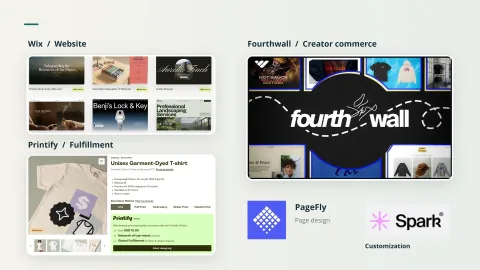
Five tools for five distinct seller bottlenecks: website building, fulfillment, creator commerce, Shopify page design and Squarespace customization.
Read article →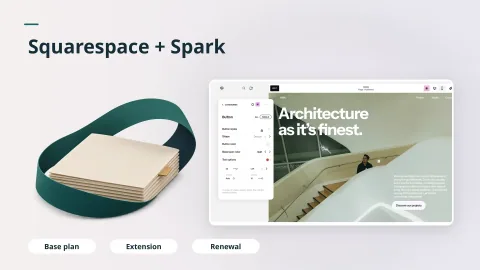
Spark’s fee is only one part of the cost of extending a Squarespace site. Compare feature access, the base plan, renewal and cancellation before choosing a tier.
Read article →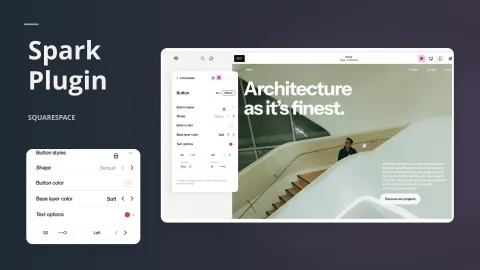
Spark gives eligible Squarespace sites a visual layer for presentation, navigation and marketing. The real buying decision is whether the missing features justify an ongoing dependency.
Read article →