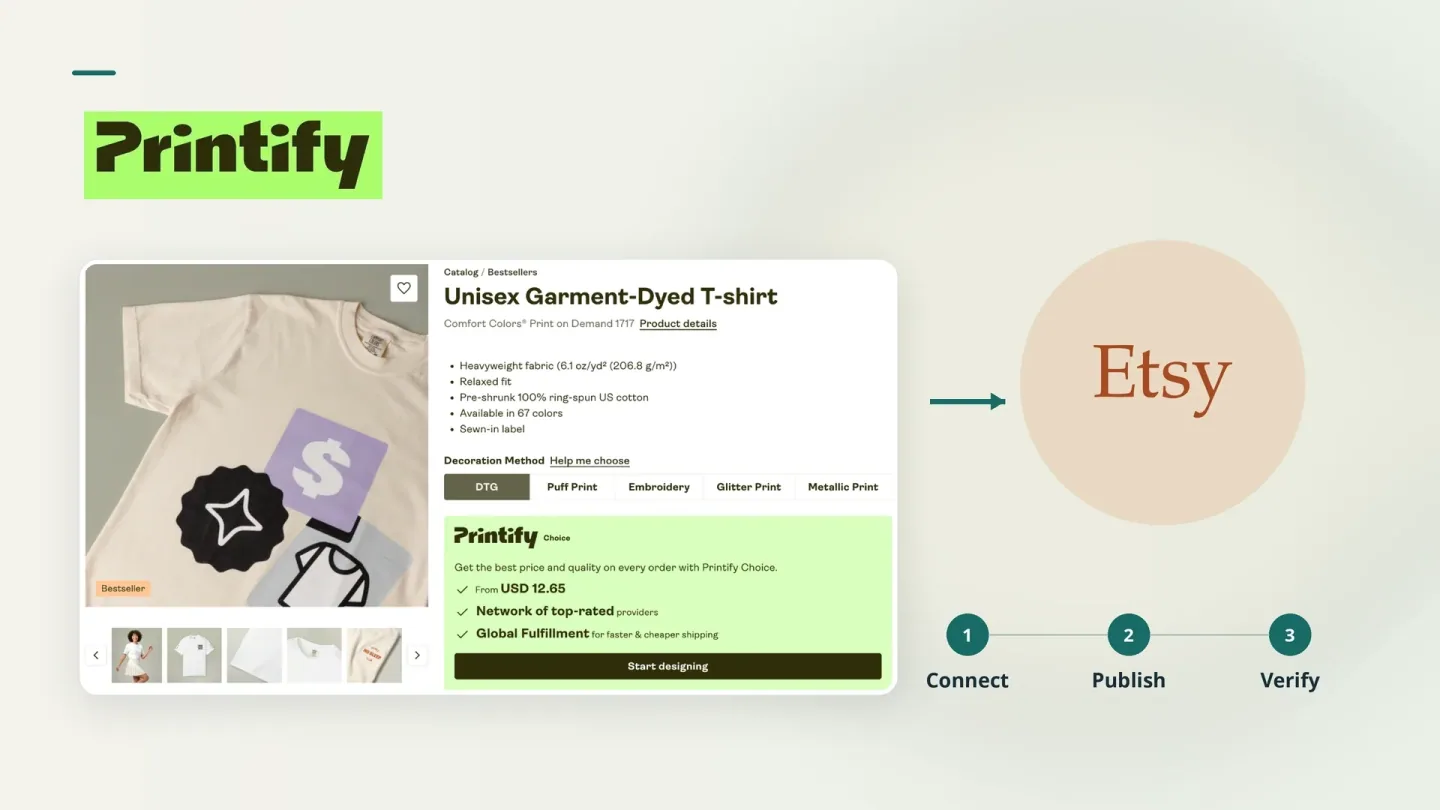
Connect Printify to Etsy and verify your first listing
Connect an eligible Etsy shop to Printify, publish a controlled first listing and verify the listing, shipping, production partner and order handoff before scaling.
I’d treat a connected dashboard as the start of the setup. Before listing more products, I’d open the Etsy listing as a buyer, check the options and shipping, then trace what will happen when an order appears in Printify. Knowing who approves and pays for production is my final checkpoint.
Prepare both accounts
Start with an eligible Etsy seller account and a shop that can accept orders in your market. Complete the identity, payment and shop setup requirements in Etsy. Confirm that your product is eligible under Etsy’s Creativity Standards; print-on-demand does not remove the requirement for seller creative input and production-partner disclosure.
In Printify, decide which account and store you will use. Choose one product and a print provider that serves your intended buyer destination. Check production cost, shipping, print area and available variants. Make sure your design is yours to sell and your mockups represent the actual item. I would order a sample before opening a large catalog.
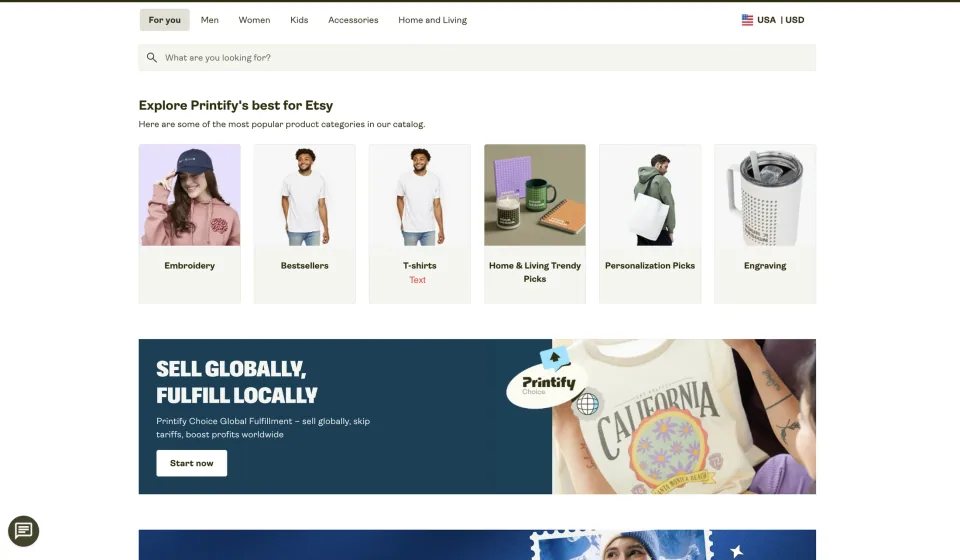
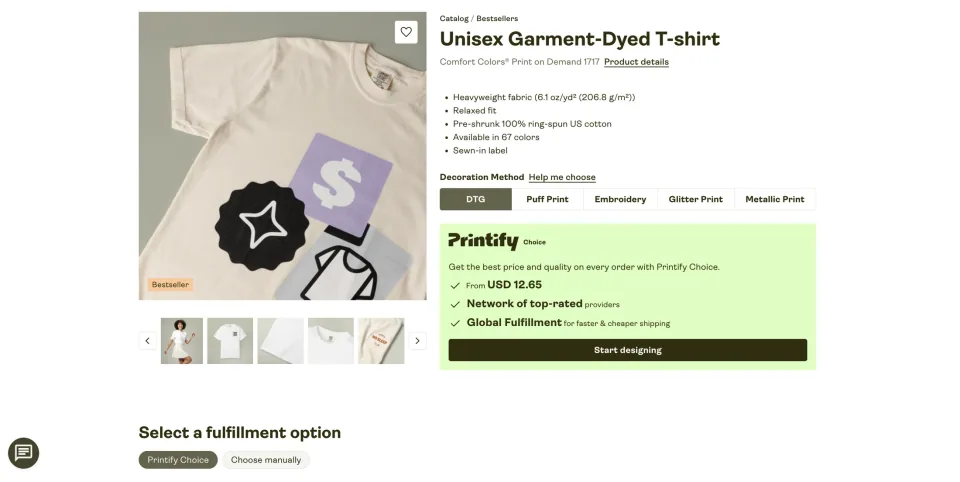
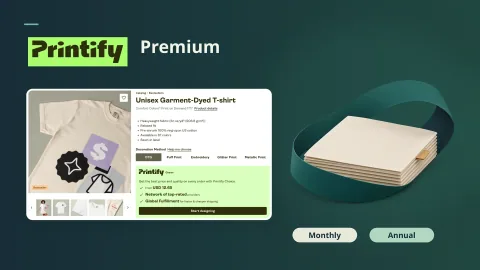
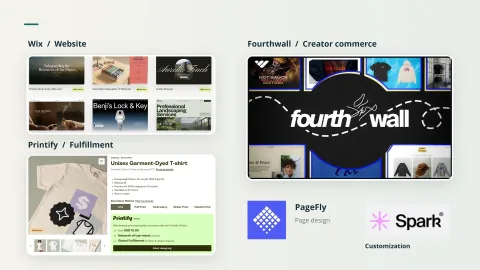
Printify catalog recommendations for Etsy sellers and Global Fulfillment information; account sidebar cropped.Printify garment product details and fulfillment options; account sidebar cropped.
Pre-connection requirements
Start with a valid shop, original product and a tested supplier candidate.conceptual · Editorial workflow; checkpoints are recommendations.Text description
Open the store connection area in your Printify account, select Etsy and follow the authorization flow. The vendor’s Etsy connection guide describes granting the requested access. Sign in to the intended Etsy account and confirm which shop is connected before accepting. Account screens can vary; use the current guide rather than guessing a button location.
Return to the Printify store list and verify the shop name. If you manage several shops, record which Printify store maps to which Etsy shop. Before publishing, review the order approval settings. For a first run I prefer manual approval, where available, so a mapping or address issue can be caught before the provider starts production.
If authorization fails, check the account, shop eligibility and permission state. Avoid repeatedly connecting new stores until you know whether a connection already exists.
Authorize the intended shop
Check both account identities before publishing anything.sourced · Printify Etsy connection guide, reviewed 2026-11-27.Text description
Etsy shop grants connection to Printify store; verify the exact shop mapping.
Create and verify a single listing
In Product Creator, choose the exact blank and provider, upload the artwork and review its placement on every enabled variant. Keep the initial variant set manageable. Set the listing title, description, mockups and retail price. Estimate contribution after production, shipping and Etsy fees, not just the difference between retail price and blank cost.
Use the Etsy publishing settings to review available shipping choices. Printify’s Etsy shipping guide describes selecting shipping methods during publishing. After publishing, open the corresponding Etsy listing in Shop Manager and verify the actual listing state, available sizes/colors, price, images, production partner, processing time and shipping origin/rates. Edit the Etsy-specific fields that still need attention. Do not assume publishing from Printify fills every Etsy compliance field.
Open the public listing only when it is genuinely ready and check the buyer-facing result on mobile. Avoid creating duplicate listings while troubleshooting; record the exact mapping between the supplier product and Etsy listing.
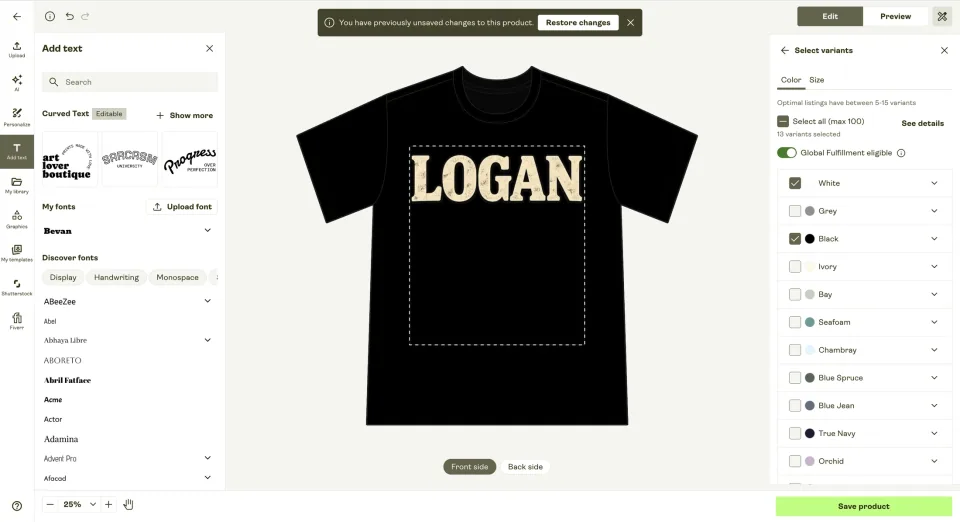
Printify Product Creator showing a T-shirt design and variants. This screenshot illustrates product creation, not completed Etsy publication.
From variant to published listing
A published listing needs Etsy-side verification as well as provider-side setup.conceptual · Editorial workflow; checkpoints are recommendations.Text description
Printify’s integration documentation describes automatic order import and forwarding according to the approval settings. Etsy processes the buyer’s marketplace transaction; Printify separately bills the seller for production and shipping. Keep funds available even if Etsy has not yet paid out.
Check how an incoming order is identified, the variant and shipping destination, the approved artwork and the cost shown by Printify. Confirm the steps for approval and tracking. Use the provider’s sample-order flow to test physical quality. Do not purchase from your own Etsy shop to manufacture sales, reviews or search signals. For the first genuine order, monitor both accounts and confirm the status and tracking transfer rather than assuming automation is working.
Personalized products need extra care. Verify that the buyer’s input reaches the expected workflow, approve the final artwork and prevent automatic production before review when necessary.
Two separate money movements
Do not assume marketplace payout arrives before the supplier charges you.sourced · Printify billing and integration docs, November 26–27, 2026.Text description
Buyer → Etsy: Sale proceeds, Payout timing, Fees deducted; Seller → Printify: Production charge, Shipping charge, Funds needed
Fix the failed stage, not the entire integration
If a listing did not appear, inspect the publish status and required Etsy listing details before trying again. If it appeared with the wrong variants, compare the existing mapping and product settings before republishing. If an order has not imported, verify the store, the product mapping and the order status in both accounts; use the official support workflow if the expected state remains absent.
If shipping looks wrong, compare the Etsy listing’s actual shipping profile with the chosen provider and destination. If a fulfillment charge fails, inspect the Printify payment method and available balance. The goal is to resolve one broken boundary, not create duplicate orders or listings.
This guide is based on current documentation and does not claim that we connected a live Etsy account during research. Use it as an acceptance checklist for your actual shop.
Troubleshoot in order
Fix the first failing boundary before retrying a publication or order.conceptual · Editorial workflow; checkpoints are recommendations.Text description
Vendor documentation and SellerPlanKit product evidence dated November 26–27, 2026. Prices are reference amounts, not account-specific quotes. Examples are explicitly illustrative. No new paid-account testing, performance benchmark or numeric rating is claimed.
Some links may earn a commission where an affiliate relationship exists. Product facts come from published profiles; recommendations are editorial. Affiliate disclosure