Top List / Best-of
5 tools to evaluate for your online business
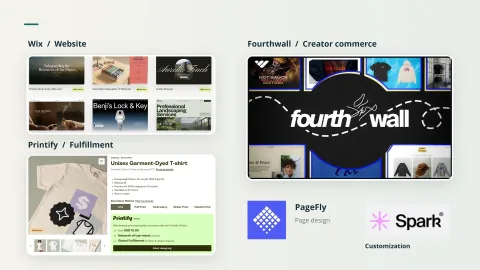
Five tools for five distinct seller bottlenecks: website building, fulfillment, creator commerce, Shopify page design and Squarespace customization.
Read article →
Choose an ecommerce platform by payment eligibility, product type, operating workflow and realistic costs before committing to themes or subscriptions.
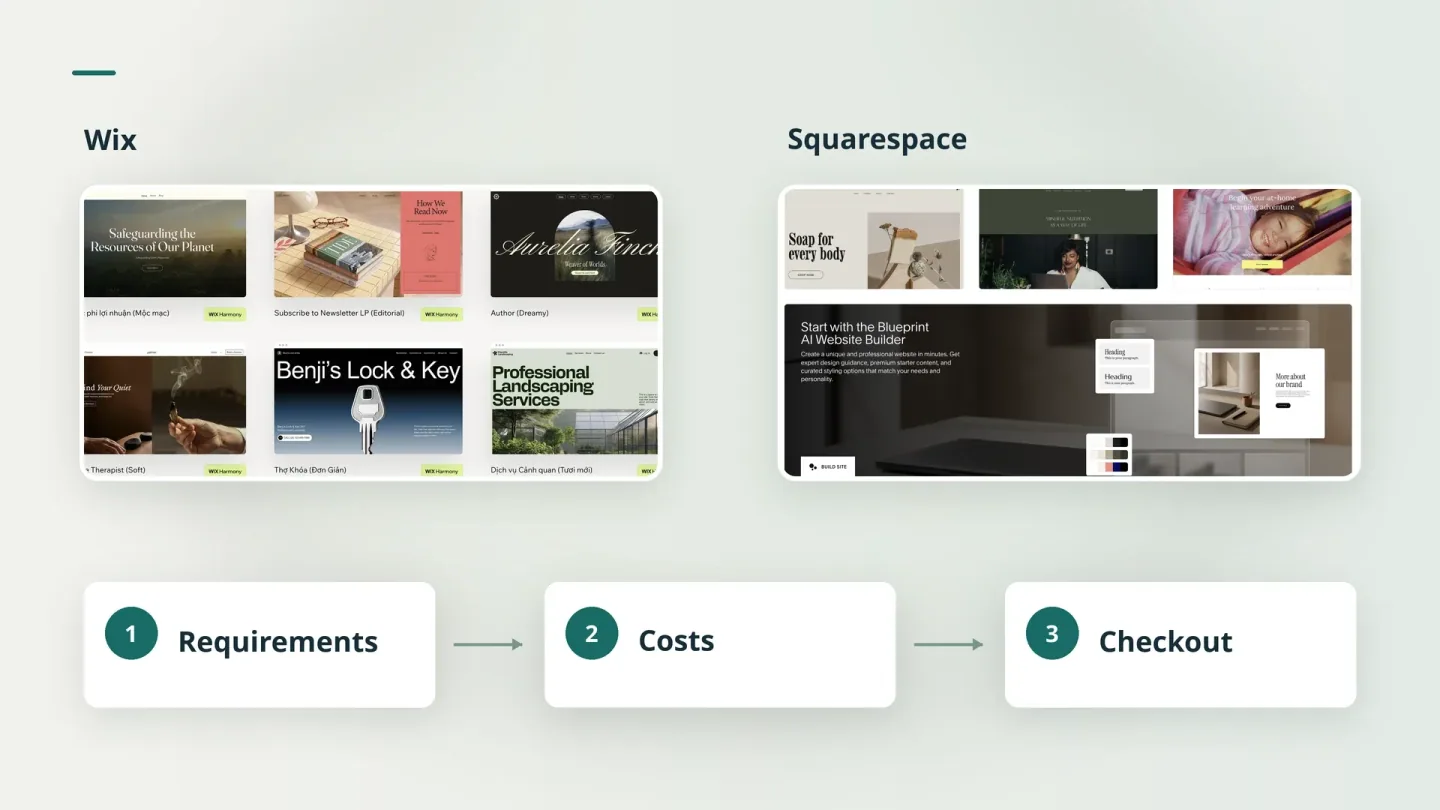
I’d put the same representative product on each candidate platform and run it through payment, shipping and refund. Any platform that fails a requirement there drops off my list. Once two options survive, I’d compare the design, add-ons and full cost of keeping the store open for a year.
A physical-product business needs inventory or a supplier, shipping rules and a returns process. A service business may need booking, deposits and calendar management. A creator selling a digital file needs delivery permissions, payout eligibility and a sensible fee structure. These are different operating models even if their homepages look alike.
The right initial shortlist depends on the job. Wix and Squarespace can combine a branded site with business tools. Shopify is a commerce-first candidate for a catalog that needs operational depth. Fourthwall is worth evaluating for a creator-led storefront; Printify supplies made-to-order products through supported channels but does not replace a channel choice. Treat these as roles, not interchangeable plans.

Product: Physical or digital; Payment: Market eligibility; Delivery: Shipping or access; Support: Return / correction
Payment is the first gate. Check available processors for your seller country, business type, settlement currency and payout schedule. A payment-logo list does not prove your account will qualify. Try the account onboarding and permitted test payment workflow.
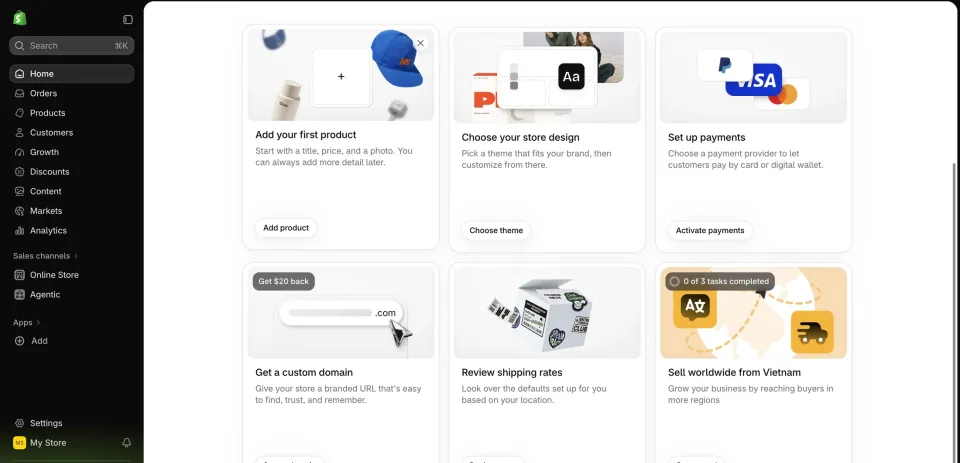
Product fit is second. Configure the most awkward product you expect to sell: a variant-rich shirt, a file with restricted delivery or a subscription. Verify tax, shipping, fulfillment and return handling. Do not use the simplest sample product to make a platform decision.
The third gate is operations. Map who receives an order, how it is fulfilled, where tracking appears, how a customer request is resolved and how records are exported. Include the integrations you actually need. The final gate is ownership: understand export boundaries, domain control and which apps stop working on cancellation.
1 / PAYMENT: Can the seller qualify and settle?; 2 / PRODUCT: Can the difficult item be sold?; 3 / OPERATIONS: Can staff fulfill and recover?; 4 / OWNERSHIP: Can records and domain be retained?
Estimate annual platform and mandatory app invoices, setup costs and per-sale charges on the expected transaction base. Add domain renewal, payment fees and any usage tiers. Keep taxes, advertising and product cost separate if they are uncertain. Do not treat an annual equivalent as a monthly payment or multiply an annual invoice by twelve.
A hypothetical small store with a $300 annual platform, $120 annual required app, $100 setup and 100 orders at $2 in modeled variable software/payment fees would spend $720 on these categories in year one. At 500 orders it would spend $1,520 under the same assumptions. Those figures exclude merchandise, shipping, tax, ads and labor. They are not vendor quotes. The lesson is that the recurring fixed cost dominates at low volume, while per-order charges matter more as sales rise.
Use the actual quote for each shortlisted platform and check how fees are applied to the order. A percentage of product revenue is different from a percentage of an order including shipping.
First-year modeled cost updates with Orders in year one. Exact value is below the graphic.
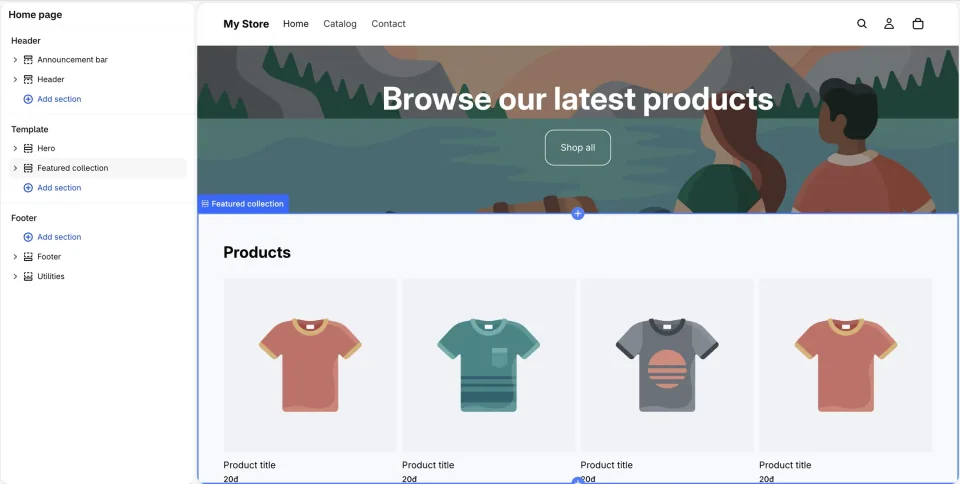
Create three realistic products, including the awkward one, and one representative shipping destination. Set a return policy and use the supported test or sandbox mode. Confirm the steps from product page to payment, order status, fulfillment and customer notification. Test phone navigation and the staff workflow too.
Then attempt one exception: an address correction, a cancellation before fulfillment or a refund in the test environment. A tool that makes the happy path look easy may still leave a seller with manual work when things go wrong. Document the gaps and ask the vendor about any missing capability before paying.
If no real checkout test is available before purchase, treat that as an uncertainty rather than assuming it works. Check refund and trial terms before entering a commitment.
Build: Three real items; Checkout: Supported test mode; Exception: Refund / address; Record: Export and review
A page builder is not a fulfillment solution. A print provider is not marketplace traffic. A cheaper site plan is not a saving if it blocks the needed payment provider or requires another subscription. And changing storefronts does not validate a product with weak demand.
When you already have a functioning store, compare a small repair with a rebuild. Estimate the work of replacing URLs, content, integrations and staff procedures. A platform switch should solve a constraint you can name. If two candidates both pass the four gates, choose the one that leaves fewer fragile dependencies and fits the cash available for the next three months.
Named platform gap? Yes: Compare move, Price the migration. No: Repair current, Avoid rebuild cost
Choose by operational needs. A mixed service/site business and a catalog-heavy commerce business may need different tools.
No. Compare actual billing commitments, necessary add-ons and usage-dependent fees.
A supplier may provide a selling option, but a connected channel and fulfillment are separate decisions.
Vendor documentation and SellerPlanKit product evidence dated November 26–27, 2026. Prices are reference amounts, not account-specific quotes. Examples are explicitly illustrative. No new paid-account testing, performance benchmark or numeric rating is claimed.
Five tools for five distinct seller bottlenecks: website building, fulfillment, creator commerce, Shopify page design and Squarespace customization.
Read article →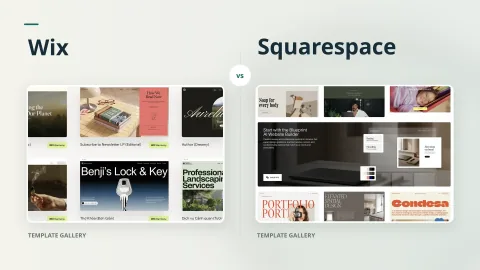
Wix and Squarespace can both support a branded selling website. The better choice depends on your checkout requirements, selling workflow, site design and recurring costs.
Read article →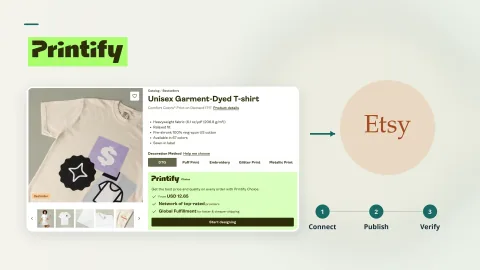
Connect an eligible Etsy shop to Printify, publish a controlled first listing and verify the listing, shipping, production partner and order handoff before scaling.
Read article →