Buying guide
How to choose an ecommerce platform
Choose an ecommerce platform by payment eligibility, product type, operating workflow and realistic costs before committing to themes or subscriptions.
Read article →
Wix and Squarespace can both support a branded selling website. The better choice depends on your checkout requirements, selling workflow, site design and recurring costs.
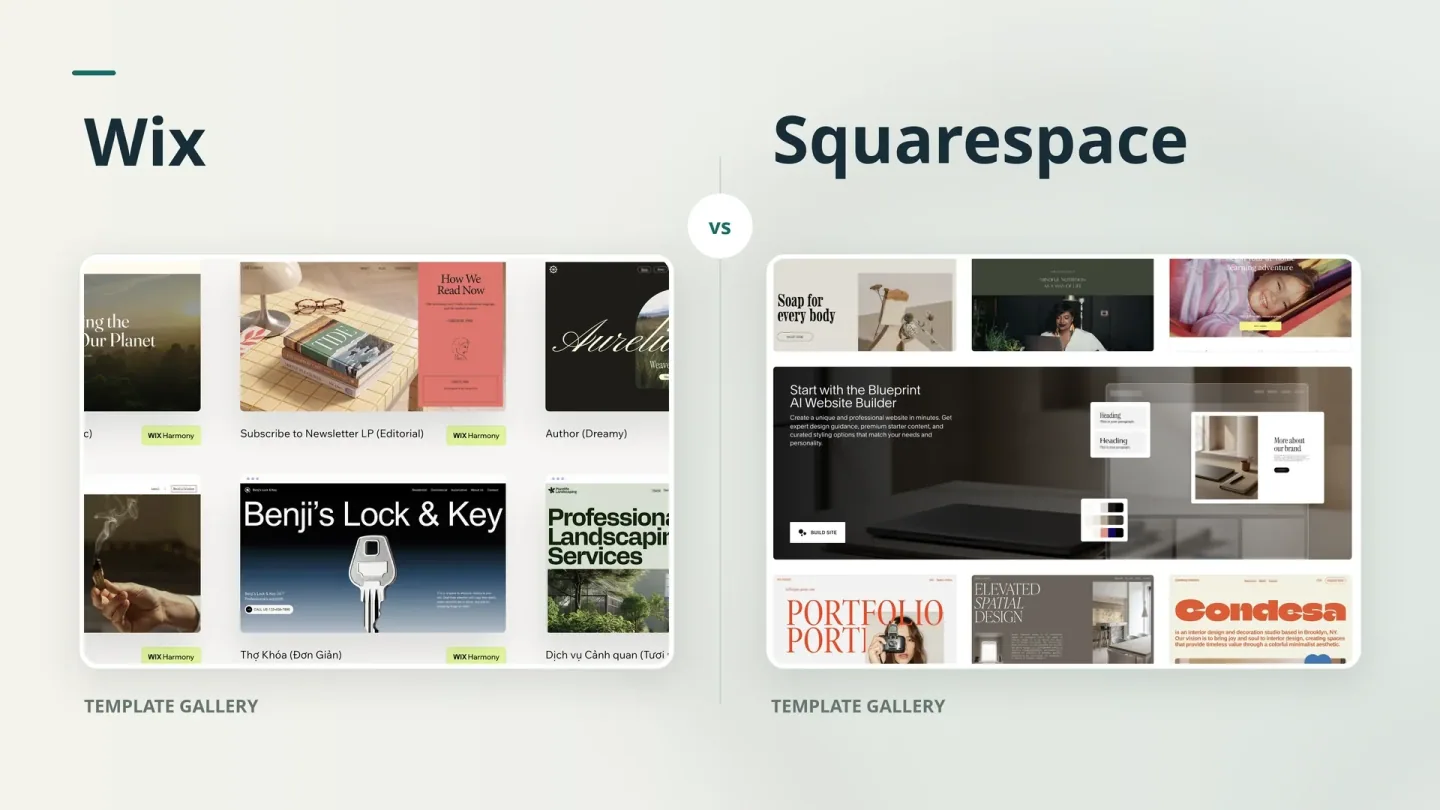
If a shop needs to take bookings and sell products in the same place, I’d test Wix first. For a carefully designed storefront with a simple catalog, I’d start with Squarespace. My deciding test would be one real checkout and one fulfillment scenario on each candidate. A good-looking template can’t rescue either one if that path fails.
Consider a studio selling prints and booking appointments. The purchase may start with a product, while a service inquiry turns into a scheduled visit. Wix has a documented store and booking ecosystem, but the relevant plan must cover the payment and appointment features you need. Test a real booking, a reschedule and a product order. Do not choose the platform on the strength of an editor demo.
For a designer selling a small collection with a portfolio, Squarespace’s section-based design and commerce integration may offer a simpler starting point. Try a product with multiple variants, a long description and a mobile image gallery. A visually neat homepage cannot compensate for confusing product selection.
Both are hosted systems. Neither is automatically the right answer for a complex multi-channel fulfillment operation. If the same product needs synchronized inventory across several channels, make that workflow an explicit test and compare a commerce-first platform too.
Wix shortlist: Store + bookings, Mixed workflows, Test appointment; Squarespace shortlist: Portfolio + store, Design-led catalog, Test variants
The November 26 USD reference on November 26, 2026 lists Wix Core at $348 billed annually and Squarespace Core at $348 billed annually. Wix Light is not a paid-checkout plan, so it would be misleading to compare its lower price with a selling-ready Squarespace plan. Squarespace Basic supports sales but its referenced Commerce fee is 2%, in addition to payment processing. Digital Products has a separate fee structure; do not apply both categories to the same sale without confirming its type.
The annual Basic/Core reference difference for Squarespace is $120. At a 2% Commerce fee difference, $6,000 in annual eligible commerce volume would cover that difference, before tax and any changes to other fees or features. At $500 monthly eligible sales, that is $10 per month. This is a narrow comparison using the published reference rates, not a promise that Core is always cheaper. Recheck account-specific prices and fees.
I would calculate platform subscription, payment processing, any percentage platform fee, required apps, and domain renewal separately. The payment country and currency are more consequential than a small price difference.
Wix Core: $348; Squarespace Basic: $228; Squarespace Core: $348
A reference $120 annual plan difference and 2% Commerce fee difference; break-even at $6,000.
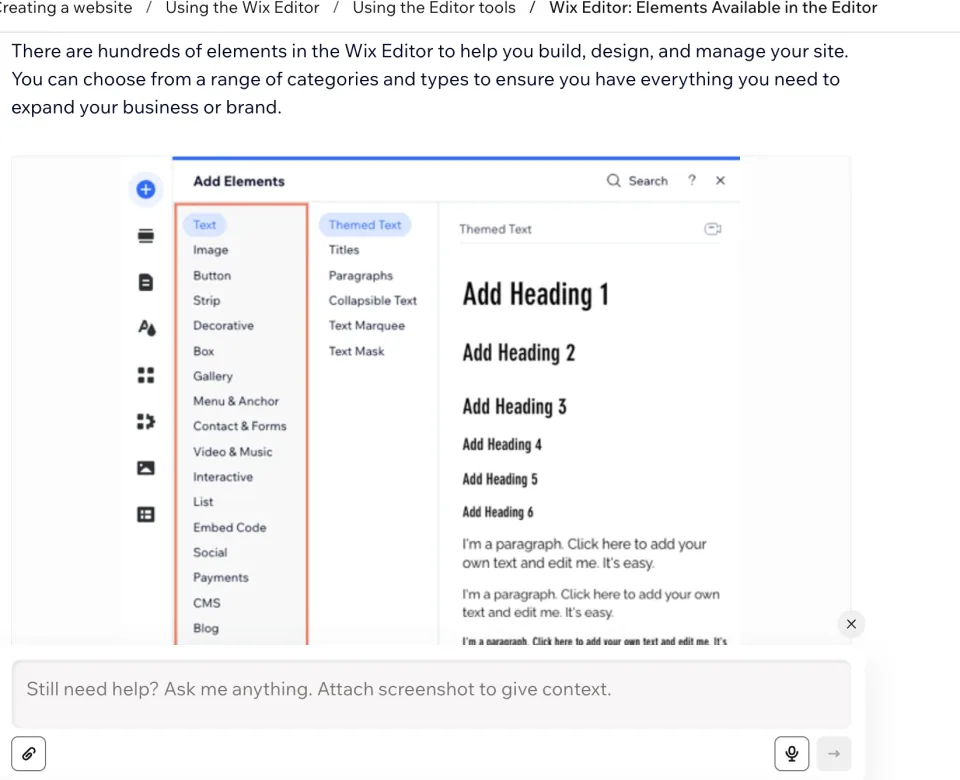
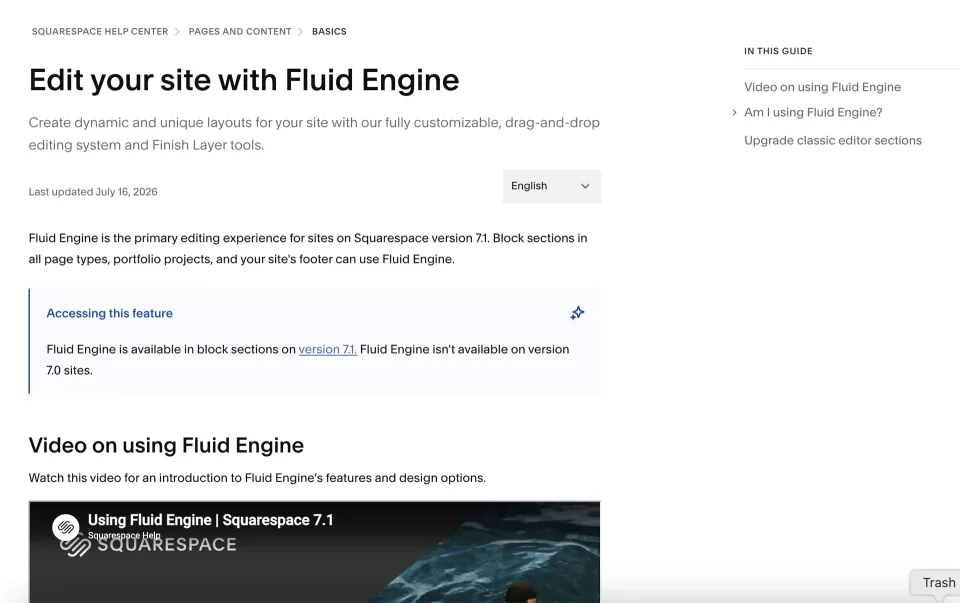
Wix provides a broad business-tool environment and more opportunities to configure the site. That can help a seller whose store, forms, contacts and booking operations are connected. It also means deciding which apps and automation are necessary. Squarespace’s more focused workflow may suit a small team that wants fewer layout decisions.
Choose a test involving an order correction rather than a polished homepage. Add an item, issue a cancellation or refund in the supported workflow, export the order data and check how your team finds the information needed to fulfill it. For a physical catalog, test the intended shipping destination and a product with the most complex variant set. For digital goods, verify delivery access and fees separately.
The public plan and help documentation supports the availability of these workflows, not their speed in your account. We did not open paid accounts or benchmark the editors.
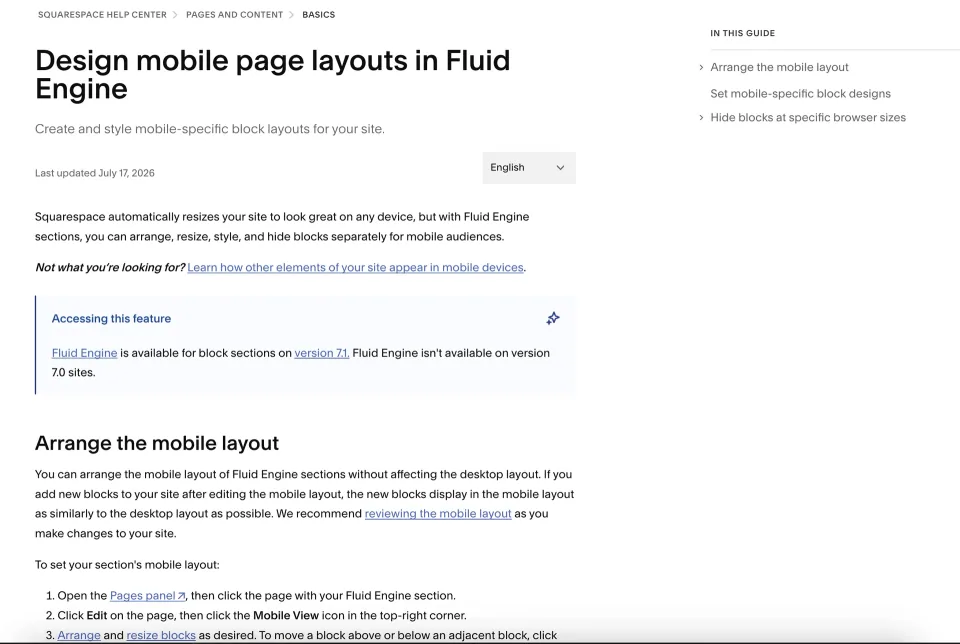
Order: Actual variants; Adjust: Refund or cancel; Export: Find the record; Decide: Staff workflow
Both providers have data export options with limitations. Wix explicitly documents that its hosted website cannot simply be exported and hosted elsewhere. Squarespace documents a partial site-content export and a separate product CSV. A product CSV is not a complete backup of a theme, apps, orders or checkout configuration.
Before migrating, export what is available and create a URL map for pages that receive traffic. Build a small catalog on the destination, test payment and order routing, then plan the domain cutover and redirects. Keep access to the original order history and customer-support records. Do not cancel the old site before acceptance.
If the old store already works, identify what the new platform would allow you to do that the current one cannot. If the benefit is only a fresher layout, a redesign within the existing platform may be less expensive.
DATA EXPORT: Products and supported records; REBUILD: Pages, templates, app settings; CUTOVER: Domain, redirects, checkout
A seller with a mixed service and retail workflow should put Wix on the shortlist. A brand with a compact, design-led catalog should give Squarespace a fair trial. For either platform, use your actual country, payment provider, shipping rules and representative products. Price any must-have add-on before choosing an annual plan. The winner is the one that passes the actual selling workflow at a sustainable total cost.
Current plans support commerce, but Basic has a Commerce fee and fewer capabilities; confirm product type and plan limits.
Data exports do not transfer the hosted site design, apps or checkout.
No. Compare equivalent capabilities, market-specific payment fees and annual cash due.
Vendor documentation and SellerPlanKit product evidence dated November 26–27, 2026. Prices are reference amounts, not account-specific quotes. Examples are explicitly illustrative. No new paid-account testing, performance benchmark or numeric rating is claimed.
Full specifications and supporting references are available in each product profile.


Choose an ecommerce platform by payment eligibility, product type, operating workflow and realistic costs before committing to themes or subscriptions.
Read article →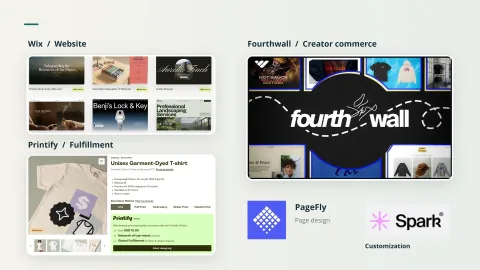
Five tools for five distinct seller bottlenecks: website building, fulfillment, creator commerce, Shopify page design and Squarespace customization.
Read article →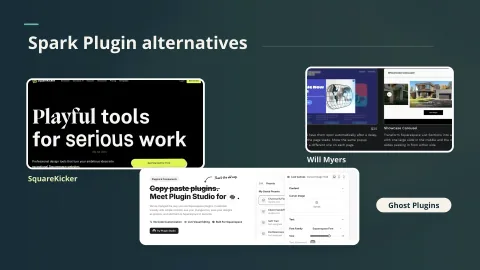
Compare native Squarespace, SquareKicker, Ghost Plugins and Will Myers by the job you need done and the cost of maintaining or replacing it.
Read article →